Twin turntables
Load, cue, play and pitch on two decks, with a vinyl-style brake, live waveform and elapsed/remaining timers.
Enter your stream, pick your colors and watch the preview update live. Then copy one snippet into any website.
Press play in the preview to test your stream. The player docks to the bottom of your page, just like this.
Browsers block http:// audio on https:// websites, so it won't play in the preview above or on any https:// page. It will still work on sites whose address starts with http://.
The DJ Studio is a full two-deck DJ booth that runs in your web browser and broadcasts straight to your AzuraCast station. No software to install and no encoder to set up.
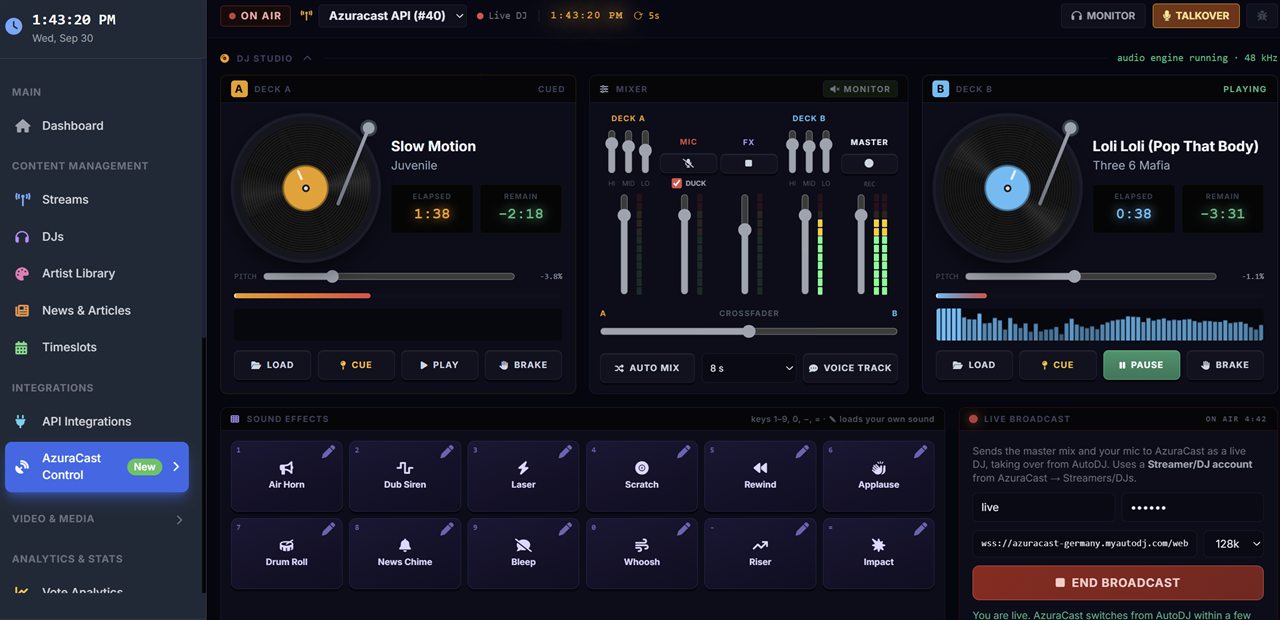
Load, cue, play and pitch on two decks, with a vinyl-style brake, live waveform and elapsed/remaining timers.
Hi/mid/lo EQ on each deck, a crossfader, level meters and Auto Mix to blend tracks for you.
Hit Talkover and the music dips under your voice, then comes back up when you're done.
Air horn, dub siren, laser, scratch, rewind and more, fired from your keyboard. Swap in your own sounds on any pad.
Broadcast your mix and mic to AzuraCast as a live DJ. AzuraCast switches over from AutoDJ automatically.
Drop in pre-recorded voice tracks, monitor your output in headphones and record your set as you play.
Plans from $4.95/mo include every widget. Needs an AzuraCast station — get AzuraCast hosting from $3.95/mo.
The code works anywhere you can paste HTML: WordPress, Wix, Squarespace, Weebly or a hand-built page.
Click Copy code above. The whole snippet is copied to your clipboard.
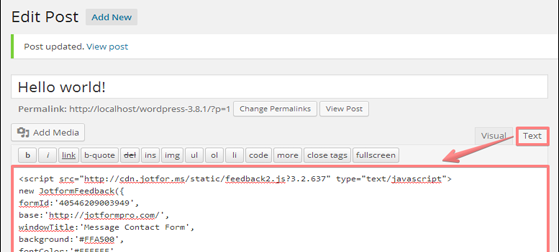
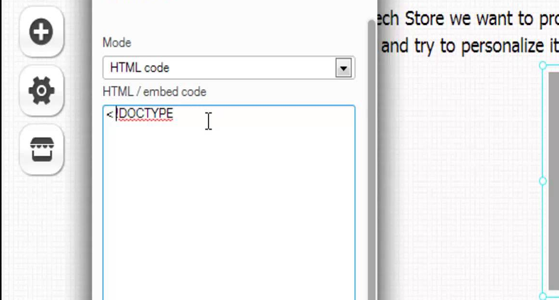
In your site builder, add an HTML, Embed or Custom code block, or switch the editor to Source / Text view.
Paste the code, save and publish. The player appears docked at the bottom of the page.
The free player streams your station. V10 shows listeners what's playing, who's on air and what's coming up next.
| Feature | Free player$0, no account | V10from $4.95/mo |
|---|---|---|
| HTML5 player with custom colors | ✓ | ✓ |
| Mobile-friendly, works on any website | ✓ | ✓ |
| Now playing artist, song & album art | — | ✓ |
| On-air DJ, schedule & events | — | ✓ |
| Listener count, map & analytics | — | ✓ |
| 20+ widgets & player themes | — | ✓ |
| Station website builder & Roku app | — | ✓ |
| Live DJ Studio for AzuraCast | — | ✓ |
These premium players and WordPress plugins work with SHOUTcast and Icecast. Buy once and install them yourself.
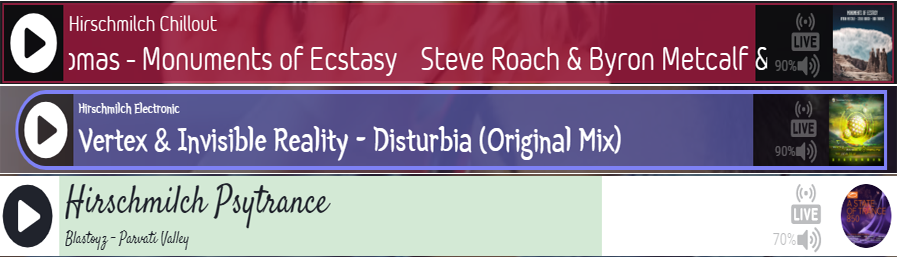
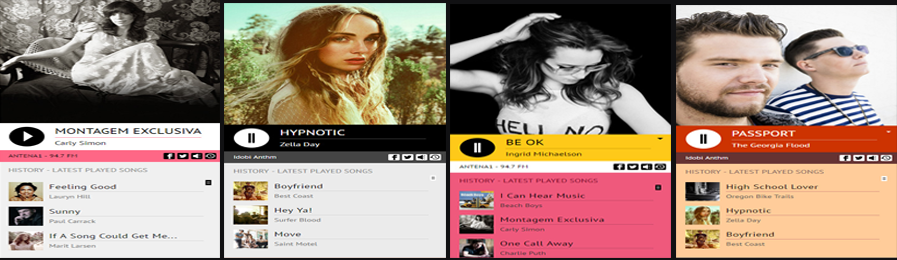
Get this fully customizable HTML5 SHOUTcast or Icecast player featuring current track, artist image, mobile compatible, responsive, animated audio visualizer and much more.
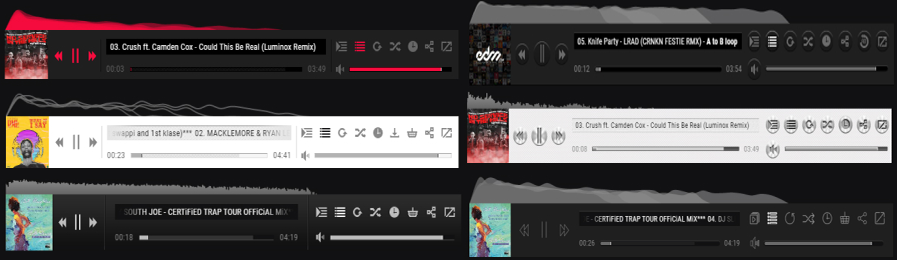
Attach this amazing player to the top or bottom of your website. Features audio spectrum visualizer, responsive layout, fully customizable for your SHOUTcast or Icecast stream.
Attach this amazing player to the top or bottom of your website. Features audio spectrum visualizer, responsive layout, fully customizable for your SHOUTcast or Icecast stream.
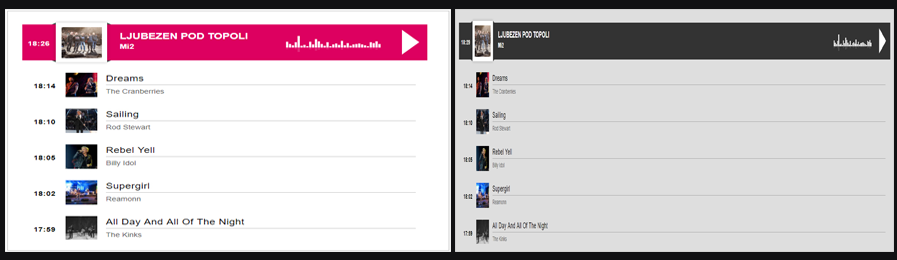
This Wordpress player installs just like any other Wordpress plugin, simply add your stream URL and your website visitors will enjoy this feature package HTML5 player with easy customization and responsive design.
Managed AzuraCast with AutoDJ, podcasting and multiple mount points. Works with the V10 DJ Studio.
50 listeners, 20 GB space, 128 kbps and unlimited bandwidth. Talk live during AutoDJ playback. Free trial, no card needed.
supersonic = 30% offHost a live TV channel and a video-on-demand library with full media management.
SHOUTcast v1 and v2, Icecast, AzuraCast, Centova Cast and any server that provides an MP3 or AAC stream. For most SHOUTcast servers, add /; after the port number, for example https://yourserver.com:8000/;
No. The generator is completely free and needs no account. Enter your stream URL, pick your colors and copy the code.
No. You get raw, ad-free code with no branding, no link back and nothing to download.
Browsers block http:// audio on pages served over https://. If your website uses https://, your stream must use https:// too. Ask your host for an SSL stream, or use our HTTP to HTTPS stream converter.
Yes. The player sticks to the bottom of the page and rearranges itself on phones. Leave the Responsive option on for the best result on mobile.
Yes. SHOUTcast Widgets V10 includes advanced players with now-playing artist, album art, on-air DJ and themes, plus 20+ other widgets, from $4.95/mo.
Widgets, a station website and a live DJ booth, all in your browser. Serving internet radio since 2012.
Already have an account? Log in