Launch Your Radio Station on Roku TV
The SHOUTcast Widgets Roku App Packager makes it effortless to get your internet radio station onto Roku — one of the most popular streaming platforms with over 80 million active accounts worldwide. No development skills needed. Simply configure your station details, click download, and you receive a ready-to-submit .pkg channel package.
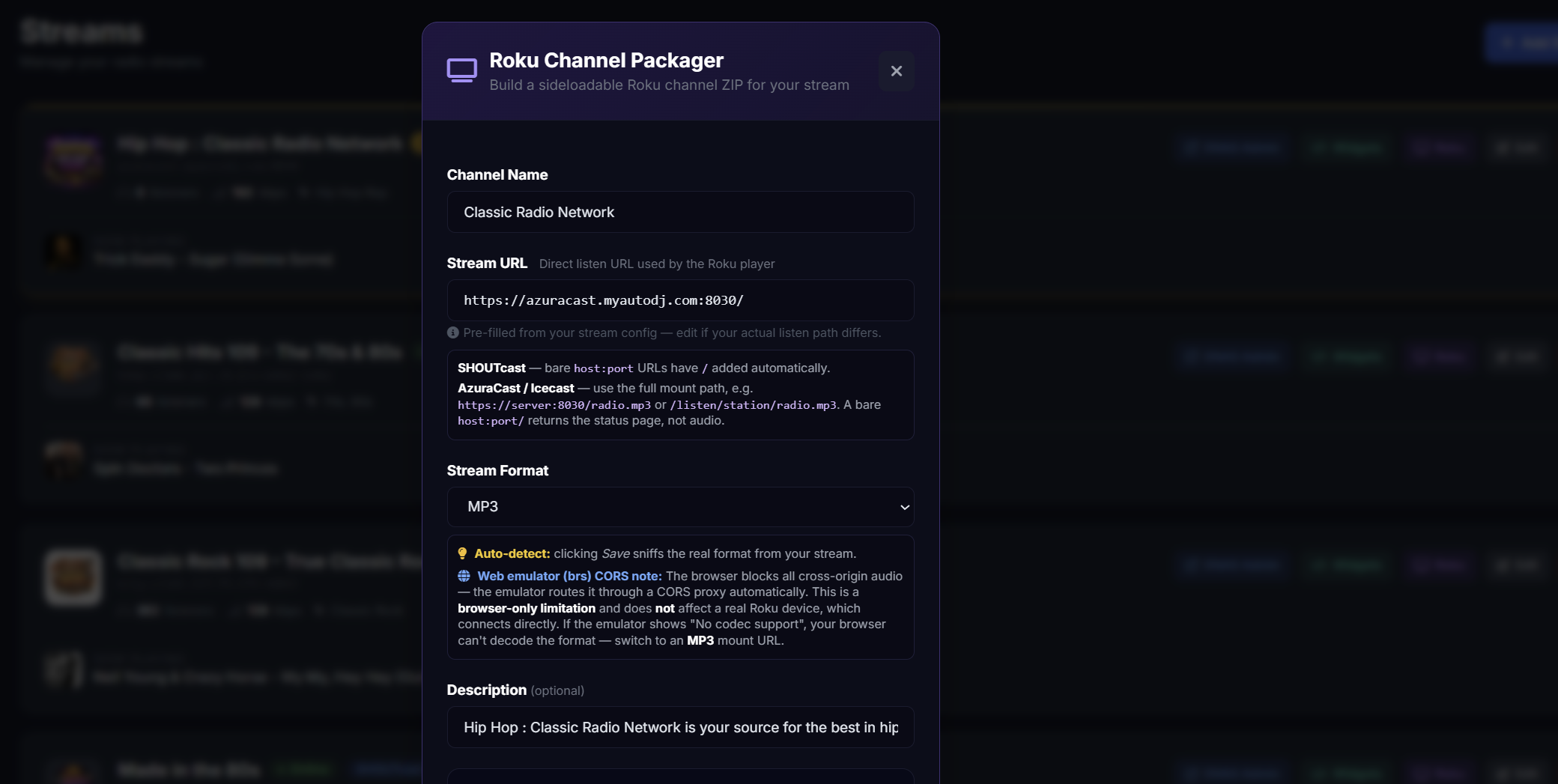
Whether you're running a SHOUTcast or Icecast stream, the Roku Packager handles everything. It injects your stream URL, station name, logo, and branding directly into the package, so the channel that appears on Roku devices is uniquely yours — not a generic radio app.
What You Get
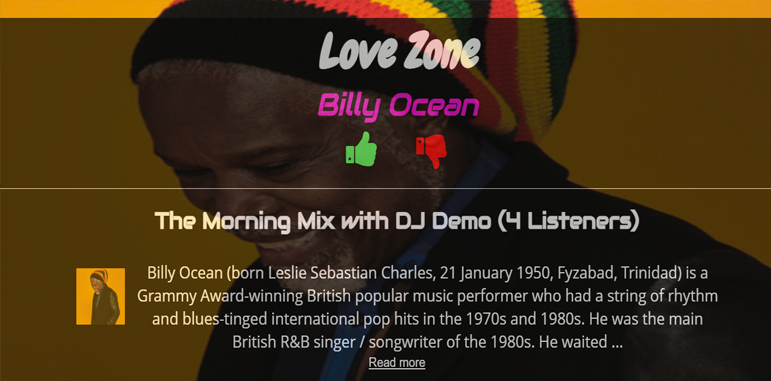
Each package download includes a fully configured Roku channel that streams your live audio directly to any Roku-enabled TV or device. The channel displays your station logo, station name, and stream information. Listeners simply add your channel from the Roku Channel Store and tune in — it's as professional as any major broadcaster.
How to Submit to Roku
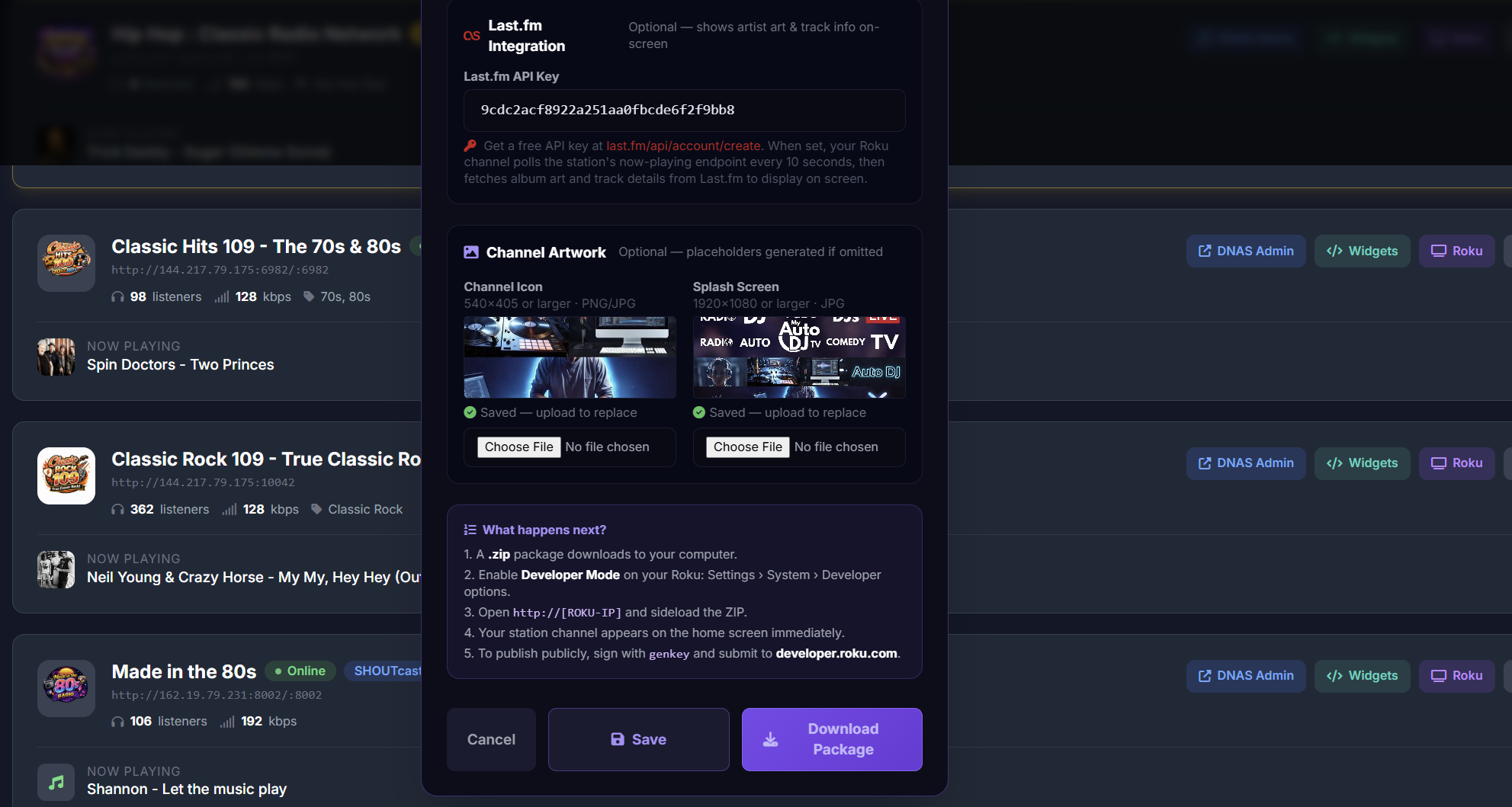
- Configure your station — Enter your stream URL, station name, and upload your logo in the Roku Packager panel.
- Download your package — Click Download and receive your prebuilt
.pkgRoku channel file instantly. - Create a Roku Developer account — Sign up free at developer.roku.com if you don't already have one.
- Submit your channel — Upload your
.pkgfile through the Roku Developer Dashboard and publish to the Channel Store. - Go live on Roku TV — Your radio station is now available to every Roku user worldwide.
Works with SHOUTcast & Icecast
The Roku Packager is fully compatible with both SHOUTcast and Icecast streaming servers. Simply provide your stream URL and the packager configures the channel correctly — no manual editing of source code required. Multiple stream URLs are supported for stations with backup or multi-bitrate configurations.