Display your live track information, album art, artist bio, and song voting in a beautiful embeddable widget — fully customizable to match your station's style.
🚀 Get Started — From $4.95/moThe widget below is actually live. It's pulling real track data in real time from ClassicRadio.Network — a full station built using the SHOUTcast Widgets website builder. Every time a new song plays, the widget updates automatically with the track title, artist, album art, and biography. No page reload. No delay.
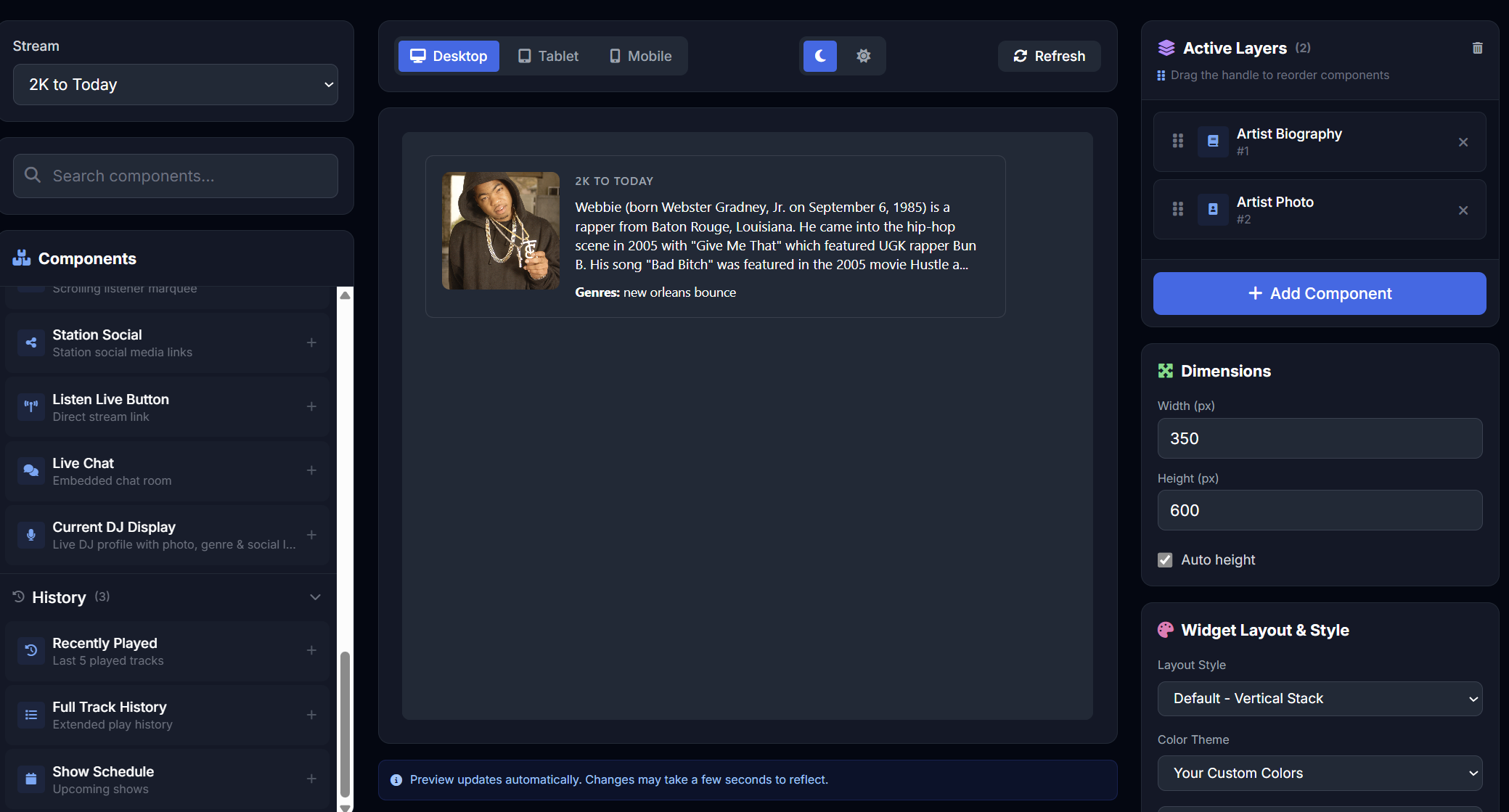
Use the built-in widget builder to choose your colours, fonts, layout, and which components to show — then copy the embed code and paste it anywhere.
This is the real widget, live on this page right now. Track info, album art, and artist bio update automatically as each new song plays — no refresh needed. Visit ClassicRadio.Network to hear it in action on a full website builder radio site.
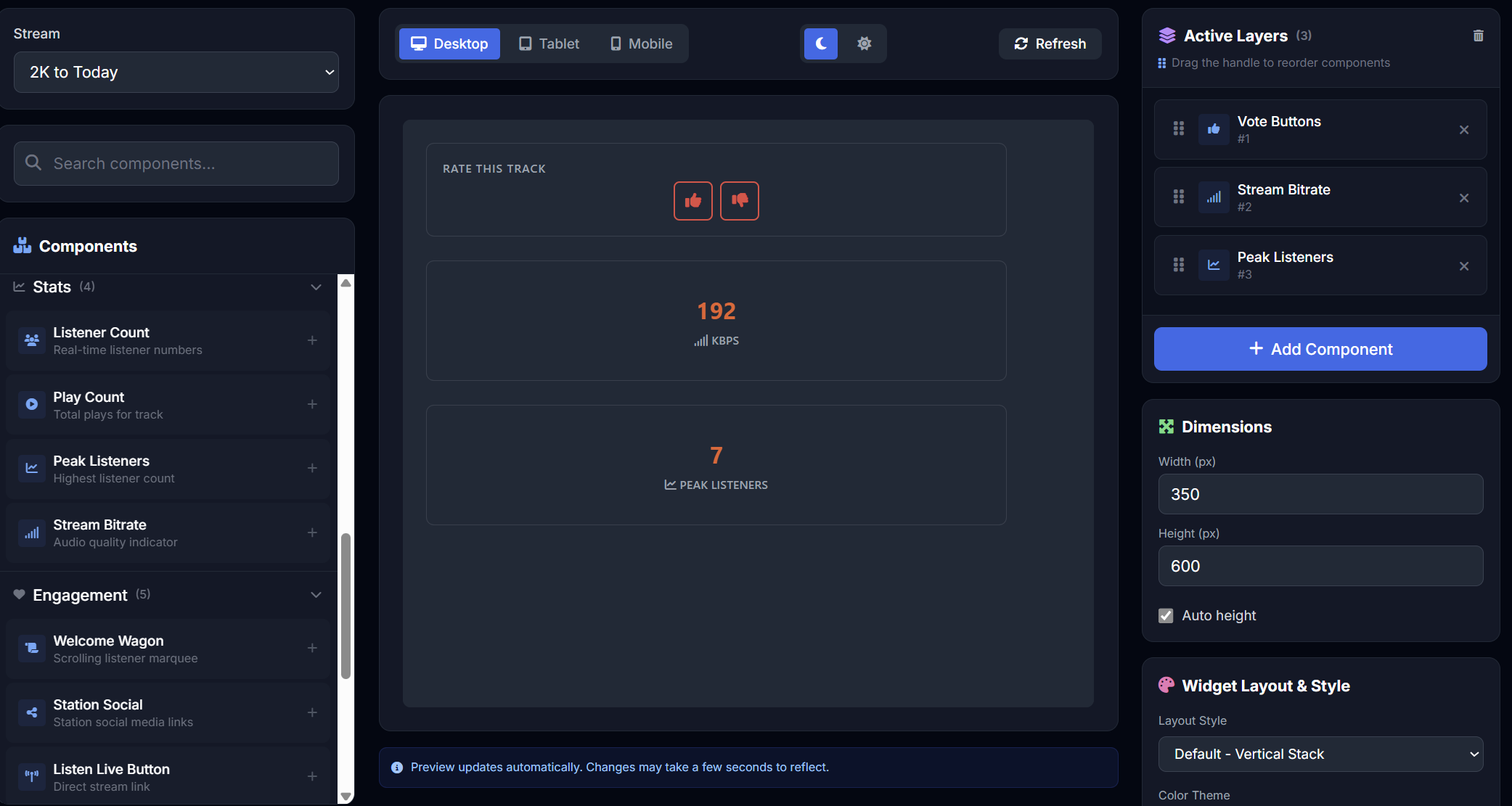
Display real-time listener counts and stream bitrate directly in your widget. Give visitors a live pulse of your station — how many people are tuned in and the quality of the stream they're about to join.
Stats update automatically so your widget always reflects what's happening right now, no manual refresh required.
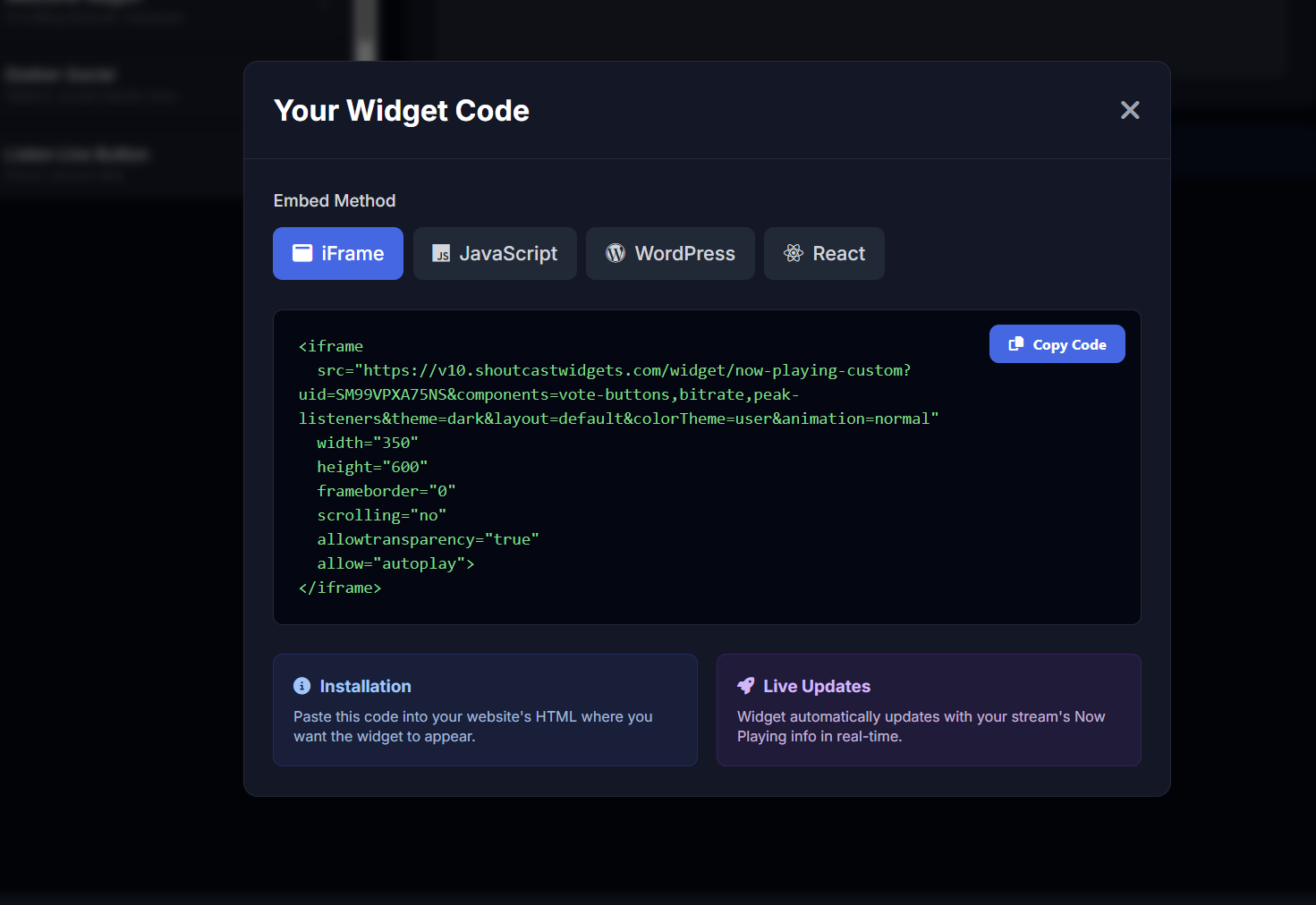
Create your widgets with ease using the SHOUTcast Widgets code generator. Set the amount of last played tracks, upcoming events, player type, fonts, colors and more. Copy/paste the conflict free code directly into your website or blog.
Configure colours, fonts, size, and which sections to display — then grab your unique embed snippet and paste it anywhere: your website, blog, or any CMS. No coding knowledge needed.
A complete real-time snapshot of what's playing on your station
Displays the currently playing song title and artist name in real time, updated as each new track starts.
Automatically fetches and displays album art for the current track through our integrated artist data library.
Shows a short bio of the currently playing artist, keeping your listeners engaged and informed.
Let your audience vote on the current track with thumbs up/down. Great for gauging listener preferences.
Optionally display a live news ticker beneath the track info to keep your widget content-rich between songs.
Optionally include a play button so visitors can tune in directly from the widget without leaving your page.
Show how many people are currently tuned in to build social proof and encourage more listeners.
Don't like the default artist image? Perhaps the biography is a little off. No problem! Simple click on the artist from your SHOUTcast Widgets dashboard and make any edit you like. There's also a last played track widget on the dashboard that's also clickable.
Create your widgets with ease using the SHOUTcast Widgets code generator. Set the amount of last played tracks, upcoming events, player type, fonts, colors and more. Copy/paste the conflict free code directly into your website or blog.
Widget connects directly to your SHOUTcast or Icecast stream and reads the current track metadata
Artist info, album art, and biography are looked up automatically via the built-in artist library
Display updates automatically each time a new track starts — no page reload required
Add social share buttons so listeners can post your current track to Facebook, X, and more
Paste the embed code into any website, blog, or CMS — no coding knowledge needed
Fully customise colours, fonts, size, and which sections to show using the built-in code generator
The Currently Playing widget is included in every SHOUTcast Widgets plan — no extra cost.
🚀 Get Started — From $4.95/mo View All Widgets