Show your listeners a live, scrollable history of recently played tracks — complete with album artwork, play timestamps, artist info, and track numbers — fully customisable to match your station's style.
🚀 Get Started — From $4.95/moThe widget below is actually live. It's showing the real recently played track history from ClassicRadio.Network — a full station built using the SHOUTcast Widgets website builder. Each new track is added to the top of the list automatically as it plays, with album art, artist, and timestamp. No page reload needed.
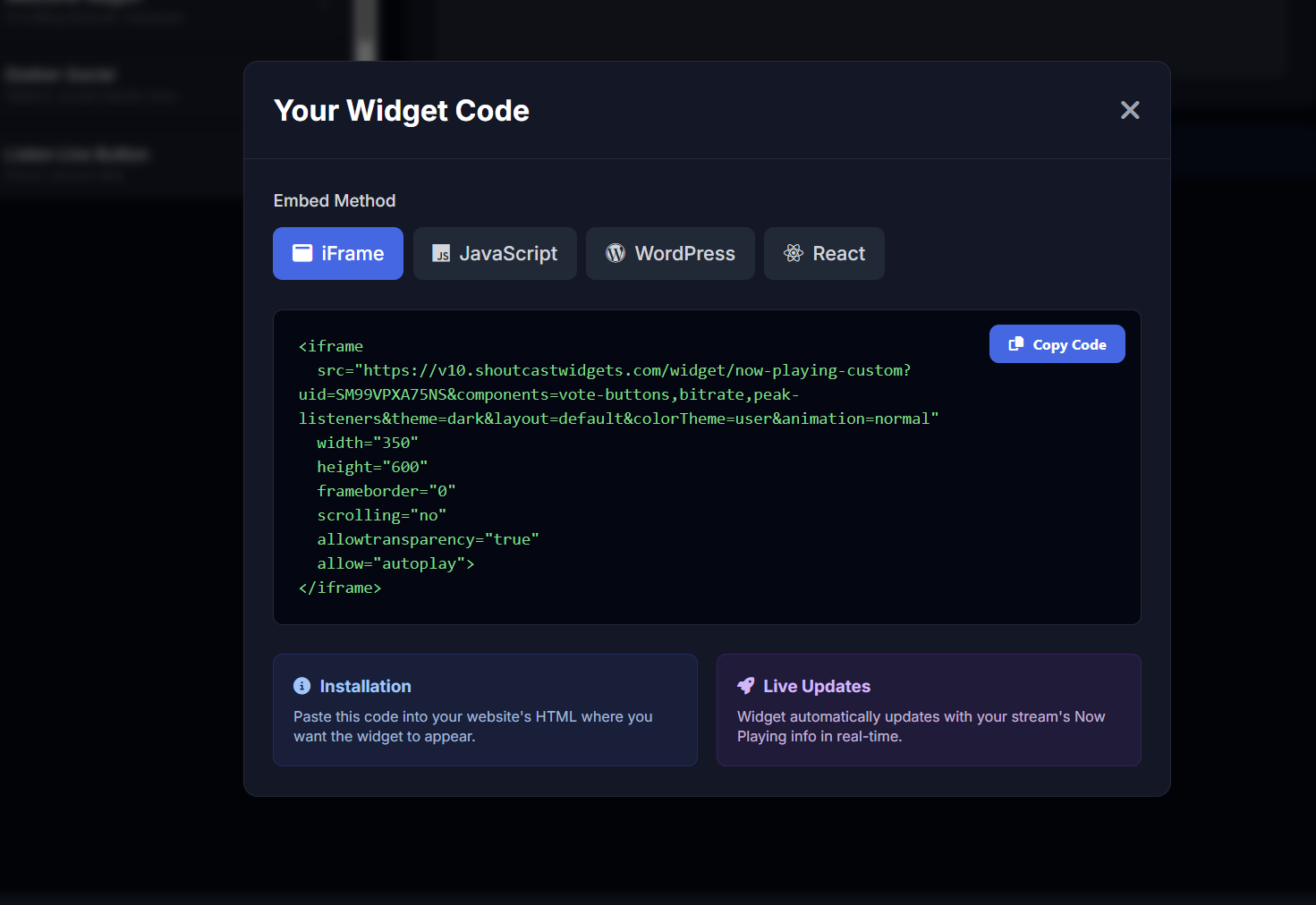
Use the built-in widget builder to set track count, display dates, choose themes and fonts — then copy the embed code and paste it into any website, blog, or CMS.
This is a live last-played history from ClassicRadio.Network. As each new track plays, it's added to the list automatically with album art, track title, and artist — no page reload needed. Visit ClassicRadio.Network to see it in context.
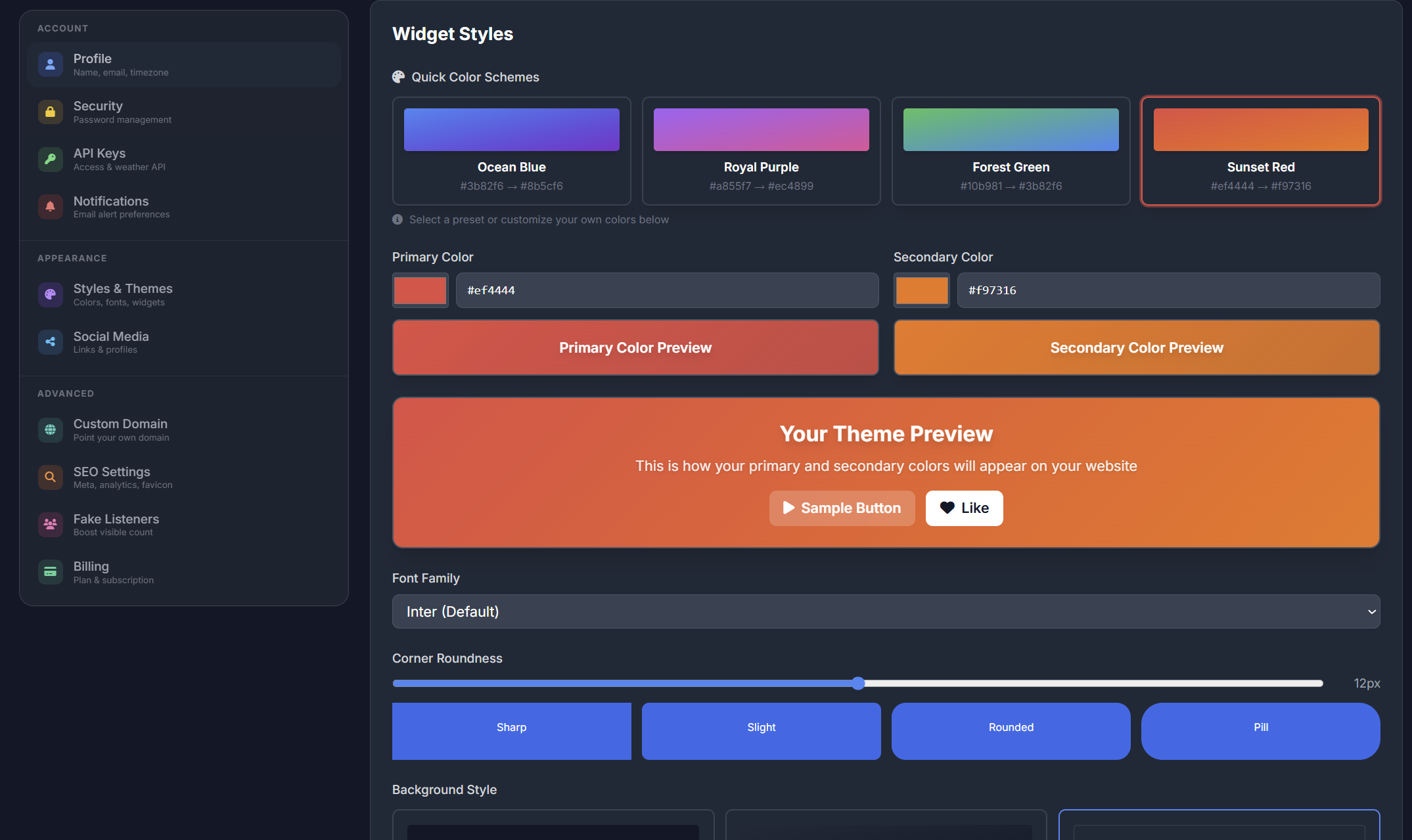
Choose from dark or light widget themes to match your station's brand. Both modes are built to look sharp on any background — whether your site uses a dark design or a clean white layout.
Theme colours, fonts, and layout options are all configurable in the widget builder — no coding knowledge required.
Generate your personalised embed snippet in seconds. Choose how many tracks to show, whether to display timestamps and track numbers, pick your theme, and grab the code — available as iFrame, JavaScript, WordPress shortcode, or React component.
Paste it into any website, blog, or CMS. No coding knowledge needed — if you can copy and paste, you're ready.
A fully-featured recently played list that keeps listeners engaged long after the song ends
Choose how many recently played tracks to display — from the last 5 to 50+ entries. You control the length of your history list.
Automatically fetches and displays album art for each track in the history list via the integrated artist data library.
Pick a dark or light widget theme to perfectly complement your station website design. Both look great on any device.
Choose from hundreds of Google Fonts to match your station's brand typography exactly — no CSS knowledge required.
Optionally display the date and time each track was played, letting listeners look back over the recent broadcast schedule.
Add numbered positions to each track in the list so listeners can easily reference and discuss your recently played history.
New tracks are added to the top of the list automatically as they play — your history stays current with zero effort.
The widget scales cleanly to any screen size — desktop, tablet, or mobile — keeping your track history readable everywhere.
Configure your widget visually and grab the embed code — available as iFrame, JavaScript, WordPress shortcode, or React component.
Widget connects to your SHOUTcast or Icecast stream and records each track as it plays into a history log
Album art and artist info are looked up automatically for each track via the built-in artist data library
Tracks appear at the top of the list newest-first, with timestamps showing when each one was played
Use the widget builder to configure track count, date display, track numbers, theme, and font
Copy your embed snippet — iFrame, JS, WordPress shortcode, or React — and paste it into any page
The list refreshes automatically as new songs play — no manual updates or page reloads needed
The Last Played Tracks widget is included in every SHOUTcast Widgets plan — no extra cost.
🚀 Get Started — From $4.95/mo View All Widgets